
What Happens During a Blackout with Solar + Battery?
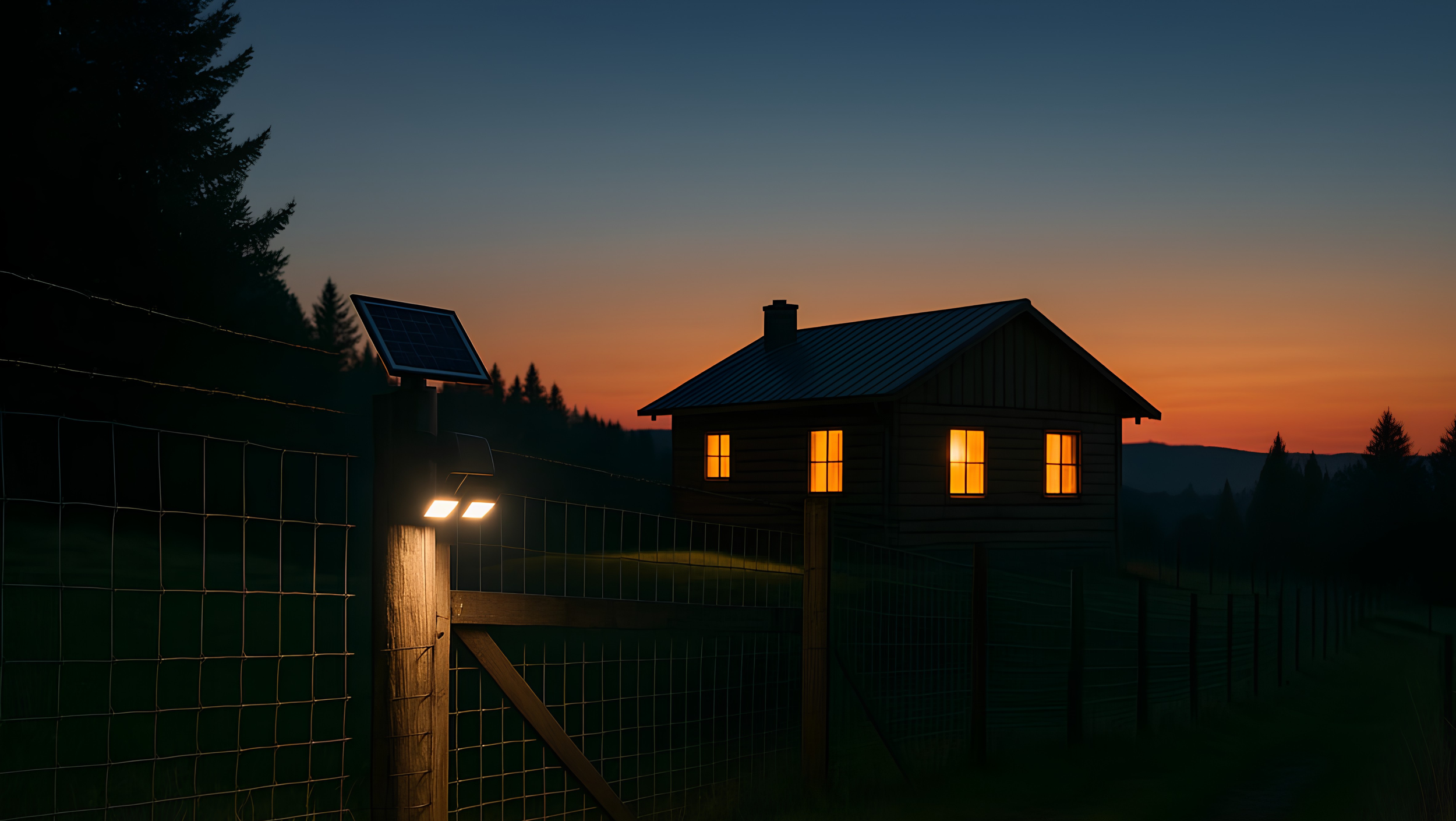
Blackouts are becoming more common, and many homeowners are turning to solar and battery systems for energy security. However, not all systems behave the same way during an outage. Whether your home stays powered or goes completely dark depends on how your solar and battery system has been designed and configured.
During a blackout, what happens with your solar + battery depends on how your system has been set up. In a well-designed backup system, your battery and inverter keep (some of) your home running even though the grid is down.
Standard Solar (No Battery, or Battery Without Backup)
For many grid-connected solar systems:
The inverter must shut down when the grid goes out (a safety rule called anti-islanding to protect line workers).
Your panels stop supplying power, even if the sun is shining.
If your battery system is designed only to save on bills (no backup function), it will also shut down with the solar.
Result: your home goes dark like everyone else, and you cannot use your solar during the outage.
Solar + Battery Designed for Blackout Protection
If your system is specifically configured for backup:
The inverter detects the outage in a fraction of a second.
It disconnects your home from the grid and switches into “island mode” or “backup mode”.
The battery begins supplying power to your backup/essential circuits – typically:
Fridge and freezer
Selected lights
Some power points (Wi-Fi, phone/laptop chargers, TV)
Switchover is usually automatic and takes only a few seconds, so you might notice a brief flicker, then things come back on.
If the sun is out, your solar panels can often keep powering those essential loads and recharging the battery, so you can ride through longer outages much more comfortably.
What Stays On – and What Doesn’t
Most homes do not back up everything, because that would need a very large (and costly) battery and inverter.
Commonly:
Backed-up: lights, fridge, small kitchen appliances, internet, some GPOs in living areas/office, maybe a single split-system
Not backed-up: ducted air-conditioning, pool pumps, EV chargers, electric ovens, electric hot water, large workshops, etc.
Near full-house backup: most circuits in the home are backed up (including kitchen appliances, power points, lighting, and possibly hot water), but high-load items like ducted air-conditioning are excluded or limited. This setup requires a larger battery and a higher-capacity inverter, and often careful load management to avoid overloading the system during peak use.
Your electrician or installer usually creates a separate “essential load” or “backup” circuit on your switchboard for these backed-up items.
How Long Will It Run?
How long the battery can power your home during a blackout depends on:
Battery size (kWh) – e.g. 10 kWh vs 13.5 kWh
What you run – “essentials only” vs “everything as normal”
Whether solar is still charging it during the day
As a simple example:
10 kWh battery, essentials only → 10–20 hours or more
Same battery with normal evening use → 3–6 hours
If the blackout continues into a sunny day, your panels may recharge the battery, allowing you to stretch backup across multiple days with smart usage.
Key Things to Ask Your Installer
If you’re planning a solar + battery system and care about blackouts, ask:
Will this system actually power my home during a blackout, or is it bill-saving only?
Which circuits will be on the backup/essential loads board?
Roughly how long would my battery last in an outage with typical use?
Is the switchover automatic, or do I need to flip a manual switch?
A solar battery can provide real peace of mind during blackouts—but only if the system is designed correctly. The difference between having power and sitting in the dark often comes down to how your system is configured, what loads are backed up, and how well everything is planned from the start.
Green Arrow Electricals can design your solar and battery system specifically for blackout protection, ensuring the right circuits stay powered when you need them most. Our team works closely with you to plan backup loads, choose the right system configuration, and deliver a reliable setup that performs in real-world conditions—not just on paper.